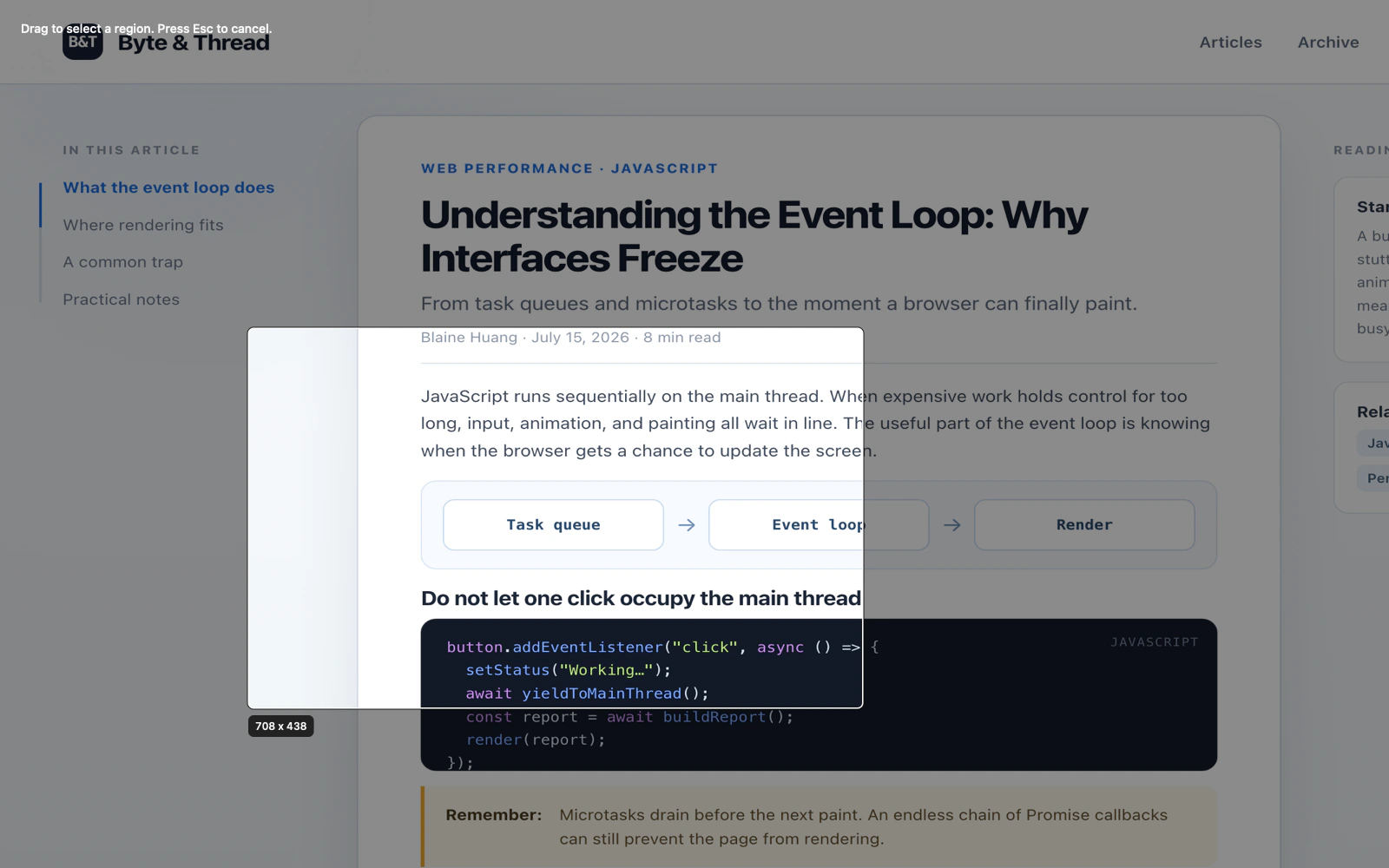
Choose a target
Capture a region, window, full display, or scrolling area.
Capture, mark up, read text, pick colors, pin references, and export without leaving your Mac.
Capture a region, window, full display, or scrolling area.
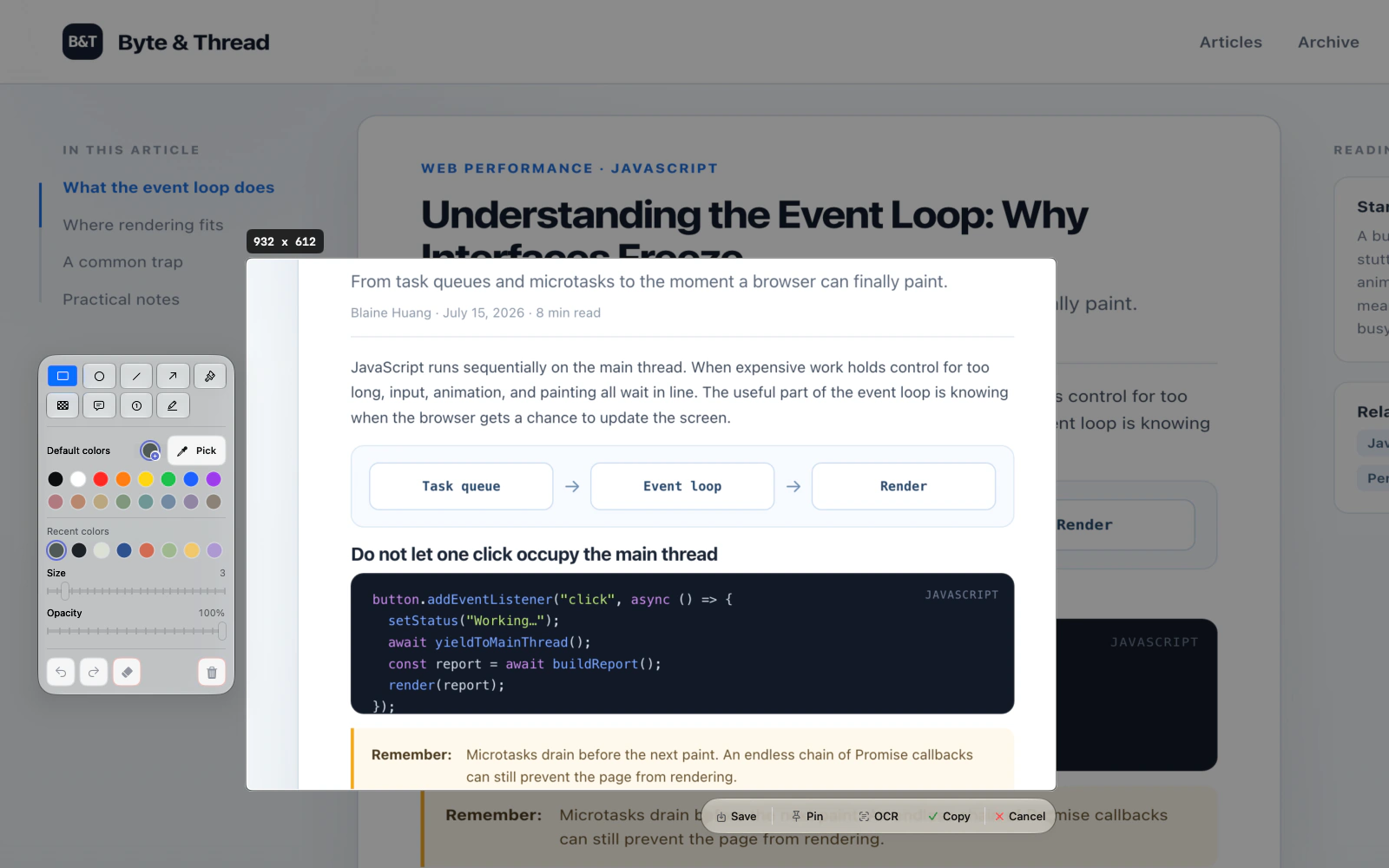
Add an arrow, shape, text, mosaic, number, or highlight.
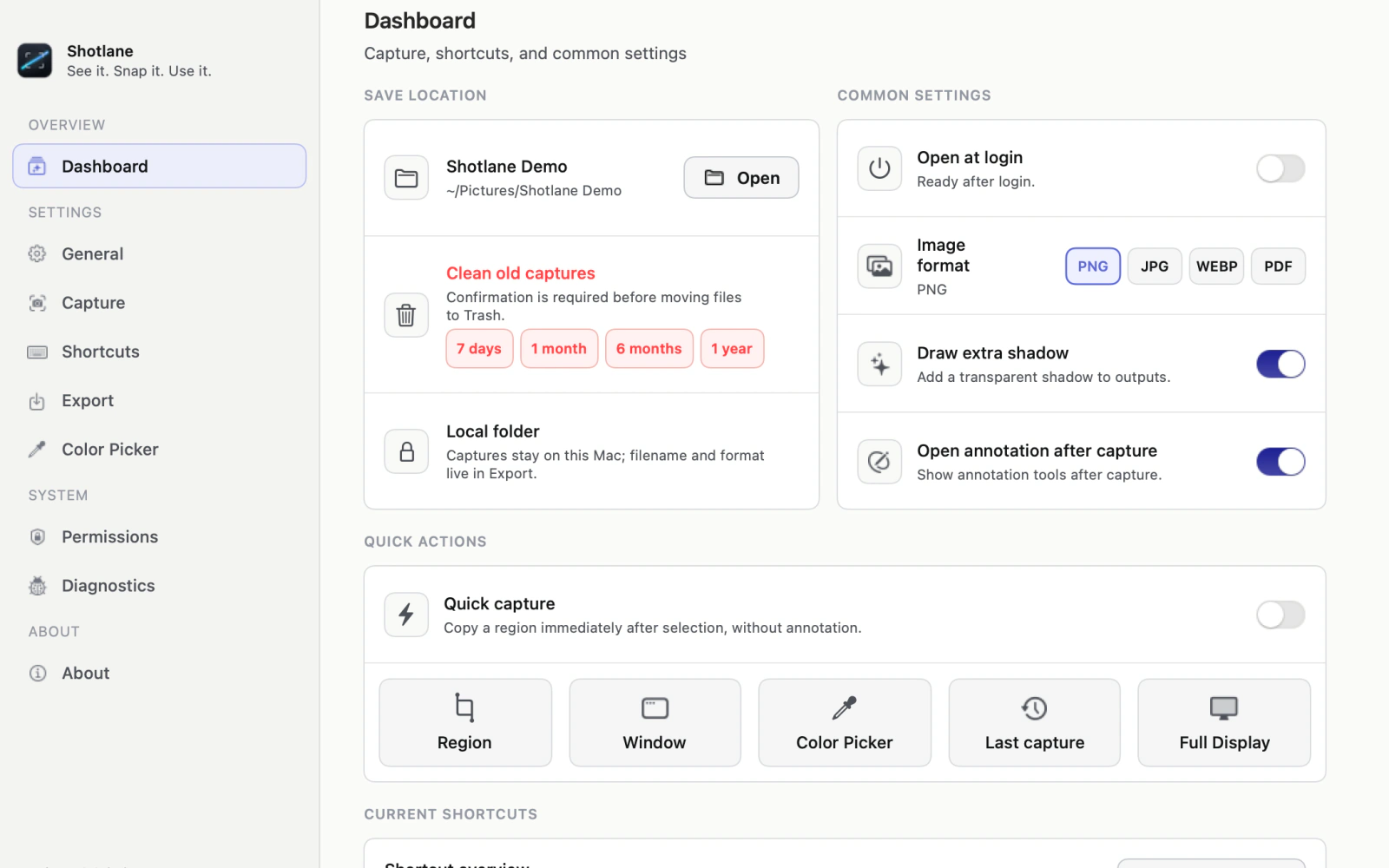
Copy, save, pin, read text, pick a color, or open the file.

Float a capture above your work, then replace it or add another when the reference changes.

Recognize a selection or the latest capture locally, edit the result, and copy it.

Inspect the pixel under your pointer and copy HEX, RGB, HSL, or NSColor.

Choose the folder, format, quality, and file-name pattern before you save.
Your screenshots and extracted text stay on your Mac unless you choose to share them.
Shotlane has no screenshot cloud sync or upload path.
Apple Vision and the optional bundled OCR engine run on your Mac.
No analytics, telemetry, crash reporting, or remote diagnostics.
Exports go to local folders you control. Cleanup always asks first.
Preparing for the Mac App Store. Shotlane is not yet available to download; product details, support, and the privacy policy are available here.